Do this
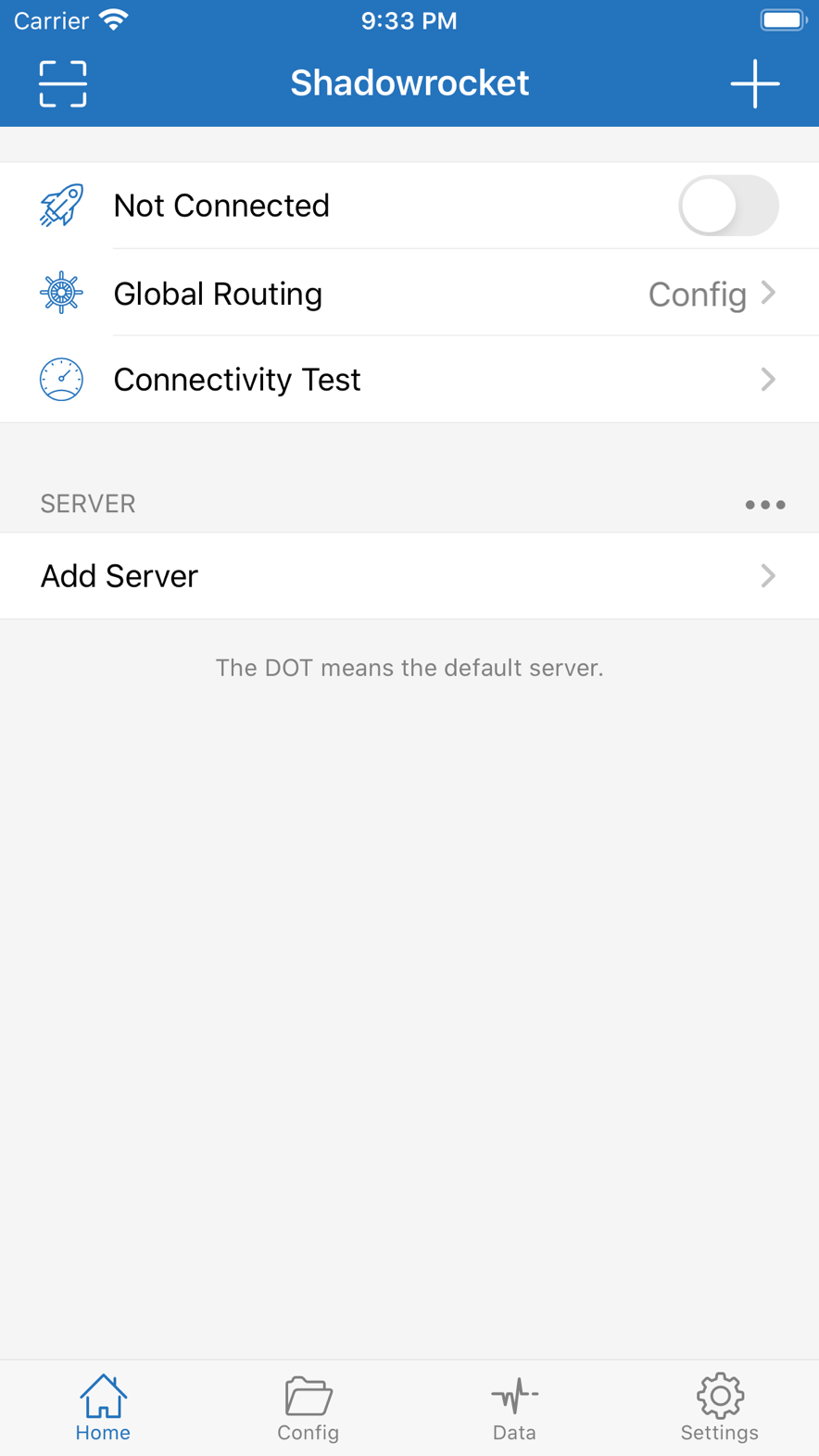
- Back on Home, select a node you just tested with a normal latency.
- Turn the connect switch on.
- The first time, iOS asks to add a VPN configuration. Use the passcode or Face ID and tap Allow.
- After the status says connected, open a site that should use the proxy first.
- Then open a local site and confirm it was not all sent through the proxy by mistake.
What done looks like
The status bar shows VPN, and Shadowrocket says connected. Proxy destinations open. Local sites do not suddenly crawl. If the proxy path fails, swap the node. If only some sites fail, check the rules.
If you denied VPN permission, flipping the switch will never really connect. Add the permission under VPN & Device Management in Settings. You do not need to delete and reinstall.
 Shadowrocket